推荐
专栏
教程
课程
飞鹅
本次共找到3289条
github博客搭建
相关的信息
Jacquelyn38
•
4年前
用了这 7 个 VS Code 插件,想写一辈子代码
0\.往期精彩工具推荐译文来自https://levelup.gitconnected.com/7vscodeextensionsthatmakeyouwanttokeepcodingforeverf205e597ae34原作者Daan译者:蓝色的秋风(github
Easter79
•
4年前
sqlmap sql注入工具
下载地址:https://github.com/sqlmapproject/sqlmap参数可以在sqlmap.conf里指定urlhttp://localhost:55556/crm/user/listbypage?keyusername&valueadmin&page1&row10&sortuserId
Easter79
•
4年前
spring源码导入eclipse
Spring源码导入eclipse环境介绍:Git:Git安装不单独介绍下载源码路径:https://github.com/springprojects/springframework(https://www.oschina.net/action/GoToLink?urlhttps%3
科林-Colin
•
4年前
VSCode 插件之 ESLint
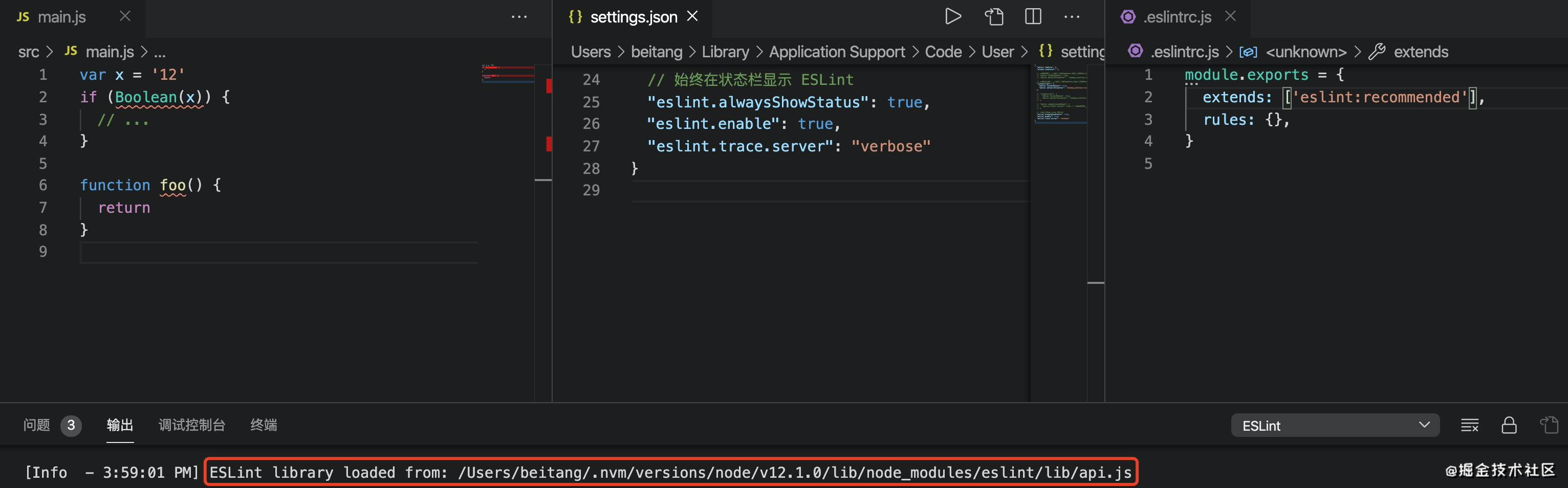
vscodeeslintgithub.com/microsoft/v…(https://github.com/microsoft/vscodeeslint)为了区分npmESLint包和VSCode的ESLint插件,我把前者称为npmESLint,后者称为vscodeeslint。vscodeeslint优先
Stella981
•
4年前
Centos 7.0 zabbix 部署
1、LAMP环境搭建初次安装可以先关闭selinux和firewallroot@localhost~setenforce0root@localhost~systemctlstopfirewalld.service1.1 mariadb数据库安装,启动、加入启动项root@localh
Stella981
•
4年前
Apache Arrow入门
1.源码编译1.1环境准备安装cmake等工具sudoaptgetinstall\buildessential\cmake1.2下载源码gitclonehttps://github.com/apache/arrow.g
Wesley13
•
4年前
Swoole源码学习记录(十一)——Worker,Connection
Swoole版本:1.7.5stableGithub地址:https://github.com/LinkedDestiny/swoolesrcanalysis(https://www.oschina.net/action/GoToLink?urlhttps%3A%2F%2Fgithub.com%2
Stella981
•
4年前
Git总结笔记1
1.环境搭建:Linux:安装gityuminstallygitWindows:到官网下载安装包安装完成后配置如下用户名和邮箱:gitconfigglobaluser.name"YourName"gitconfigglobaluser.email"email@exam
Wesley13
•
4年前
MongoDB复制集技术
复制集搭建没毛病:https://www.cnblogs.com/nicolegxt/p/6841442.html?utm\_sourceitdadao&utm\_mediumreferralcommentform(https://www.oschina.net/action/GoToLink?urlhttps%3A%2F%2Fwww.cnb
少湖说
•
1年前
鸿蒙Taro实战:01-搭建开发环境
鸿蒙Taro实战:01搭建开发环境配置鸿蒙环境下载安装DevEco配置IDE打开Prefreences,OpenHarmonySDK,勾选APIVersion12创建鸿蒙项目打开DevEco,点击右上角CreateProject,在Application处
1
•••
113
114
115
•••
329